
Scheduling and booking systems
Support appointments, availability, reminders, and cleaner booking flows for clients or staff.
Operations tools
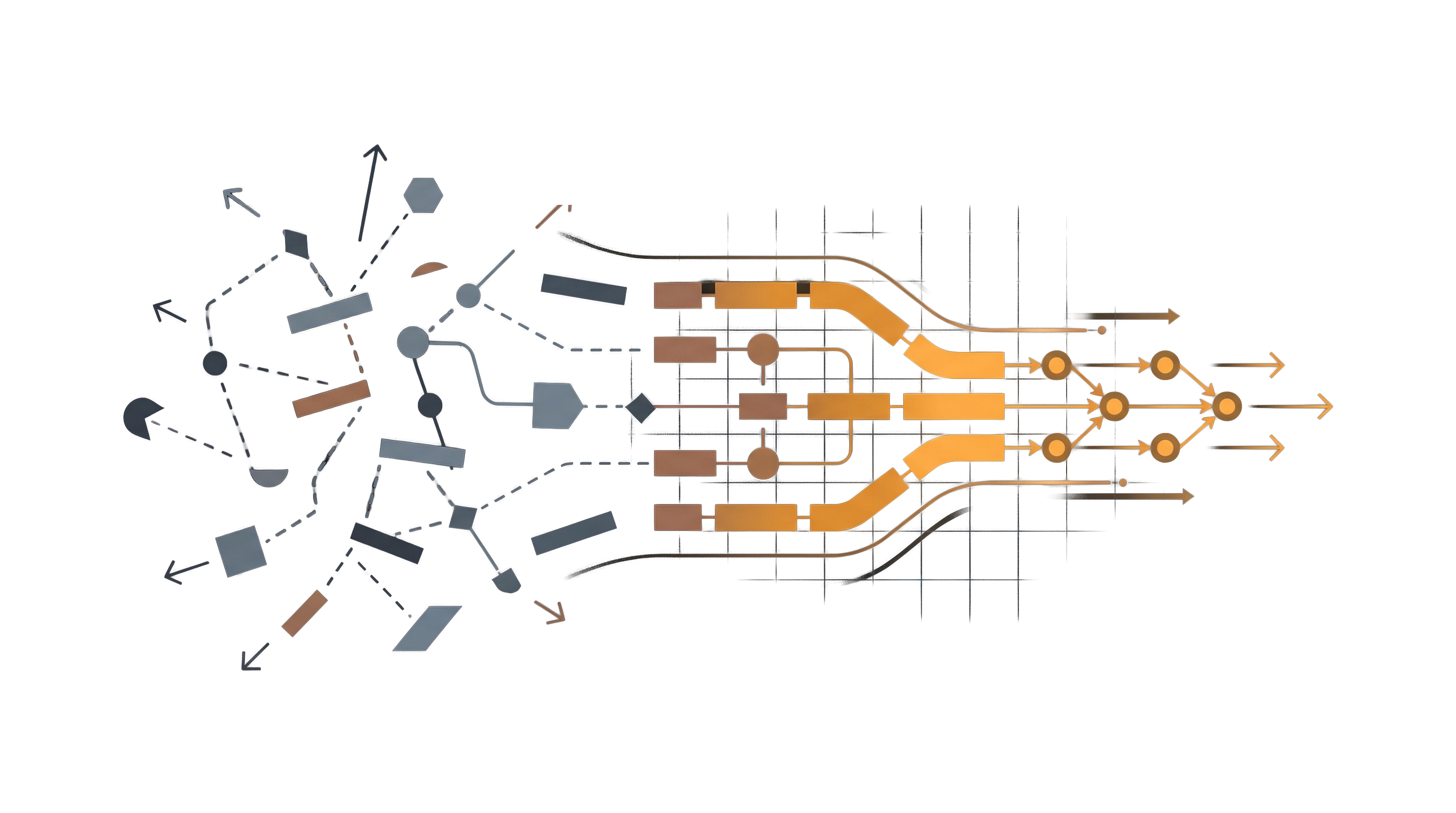
When day-to-day work depends on too many scattered steps, better operations tools can make the process clearer, faster, and easier to scale.
Bitcraft builds scheduling systems, payment flows, intake processes, inventory tools, and internal workflow software around the way your team already works.
Good fit
Operations tools help when bookings, payments, intake, or internal handoffs depend on too many disconnected steps and the process is starting to hold the business back.
Scheduling or booking takes too much manual follow-up from your team.
Payments, status updates, and records live in separate places.
Leads or intake forms come in, but the handoff afterward feels messy.
Staff re-enter the same details in multiple systems just to keep work moving.
The business is growing and the current process is not keeping up cleanly.
You need something more tailored than a generic off-the-shelf workflow.
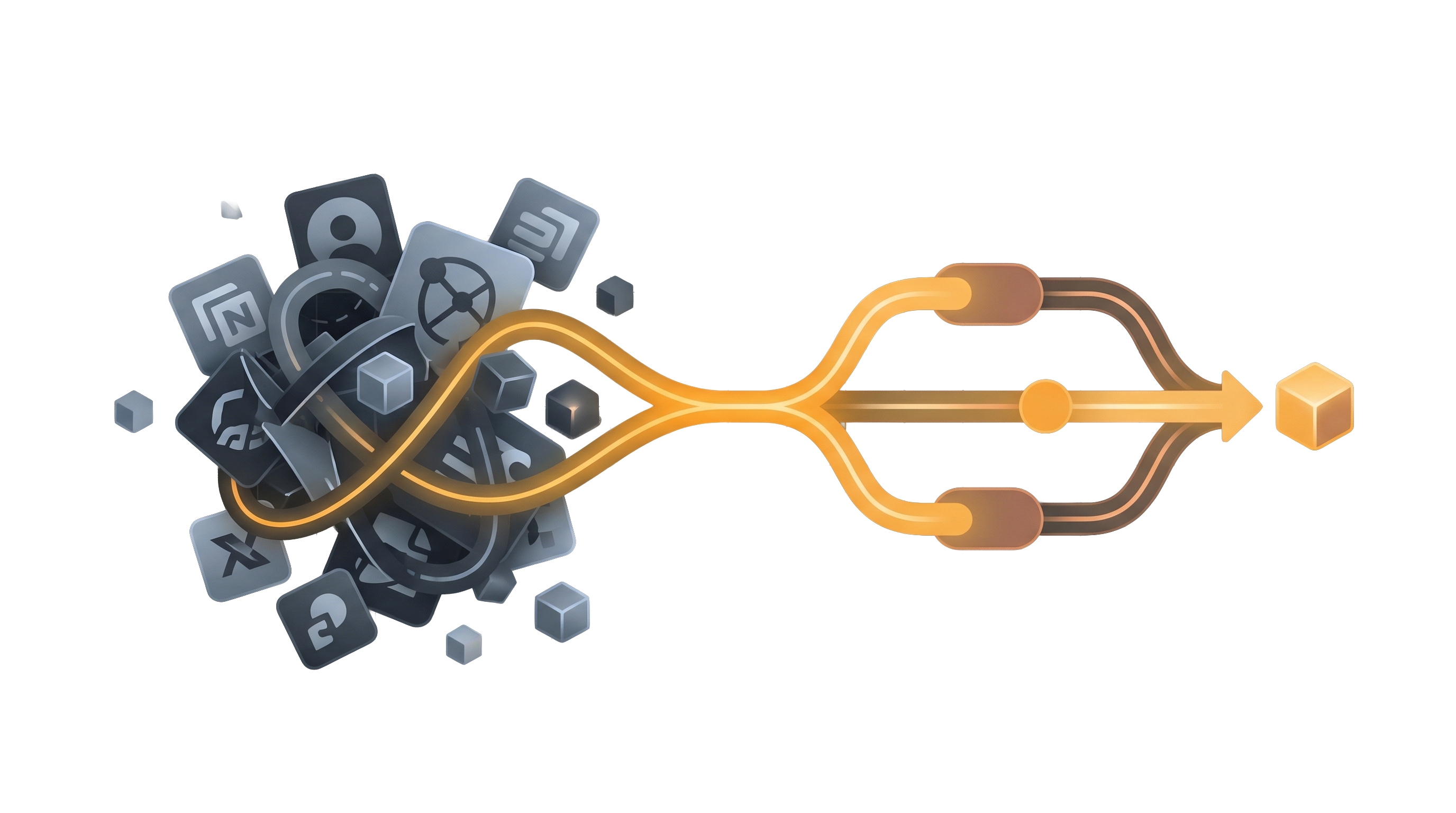
The goal is not to add more software. It is to create a workflow that feels clearer and takes less effort to run.
What we build
These projects are usually about reducing manual steps, making handoffs cleaner, and giving your team a more reliable way to manage the work that happens every day.
Support appointments, availability, reminders, and cleaner booking flows for clients or staff.
Connect payment collection, statuses, and follow-up so the money side is easier to track.
Help the right information reach the right person without getting lost in the shuffle.
Track products, stock, suppliers, or fulfillment in a setup that matches the operation.
Give your team better visibility and control over day-to-day work, statuses, and requests.
Keep customers and staff informed with cleaner reminders, updates, and next-step messaging.
Common use cases
Make it easier for people to book, get confirmed, and show up with less manual follow-up.
Give your team a clearer view of what has been paid, what is pending, and what happens next.
Move inquiries, requests, or form submissions into a cleaner operational process.
Reduce duplicate entry and make day-to-day team coordination easier to manage as volume grows.
Why custom
The value usually comes from fitting the software to your actual workflow instead of making your team work around a generic setup.
Your workflow can reflect how the business actually runs instead of forcing awkward workarounds.
Cleaner steps mean less duplication, less confusion, and fewer dropped details.
Your team can see statuses, requests, and next actions more clearly in one place.
As volume grows, the workflow can connect with websites, portals, or automation instead of becoming a bottleneck.
Process
We look at where information comes in, where it gets stuck, and which steps matter most.
Together, we decide where a cleaner process would create the most immediate momentum.
We shape the booking, payment, intake, or internal workflow pieces into one clearer flow.
We can keep improving the system as the business grows and new needs become clear.
FAQ
Yes. Many projects begin with the clearest bottleneck and expand only if that makes sense.
Yes. Operations tools often work best when they connect to the public-facing and logged-in experience.
Often, yes. That is one of the biggest reasons businesses invest in this kind of work.
Yes. The goal is usually to create a better foundation, not a dead-end fix.
Next step
Start with the workflow that feels too manual or the growth step the current process can no longer support cleanly.
Tell us what is taking too many steps, where handoffs break down, or what the team is repeating too often.
We can help define the right operations tool scope and where it should connect with the rest of the business.
If repetitive follow-up or repeated questions are part of the issue, see our AI assistants and automation service.
Prefer email? Reach us at start@bitcraftstudios.com .
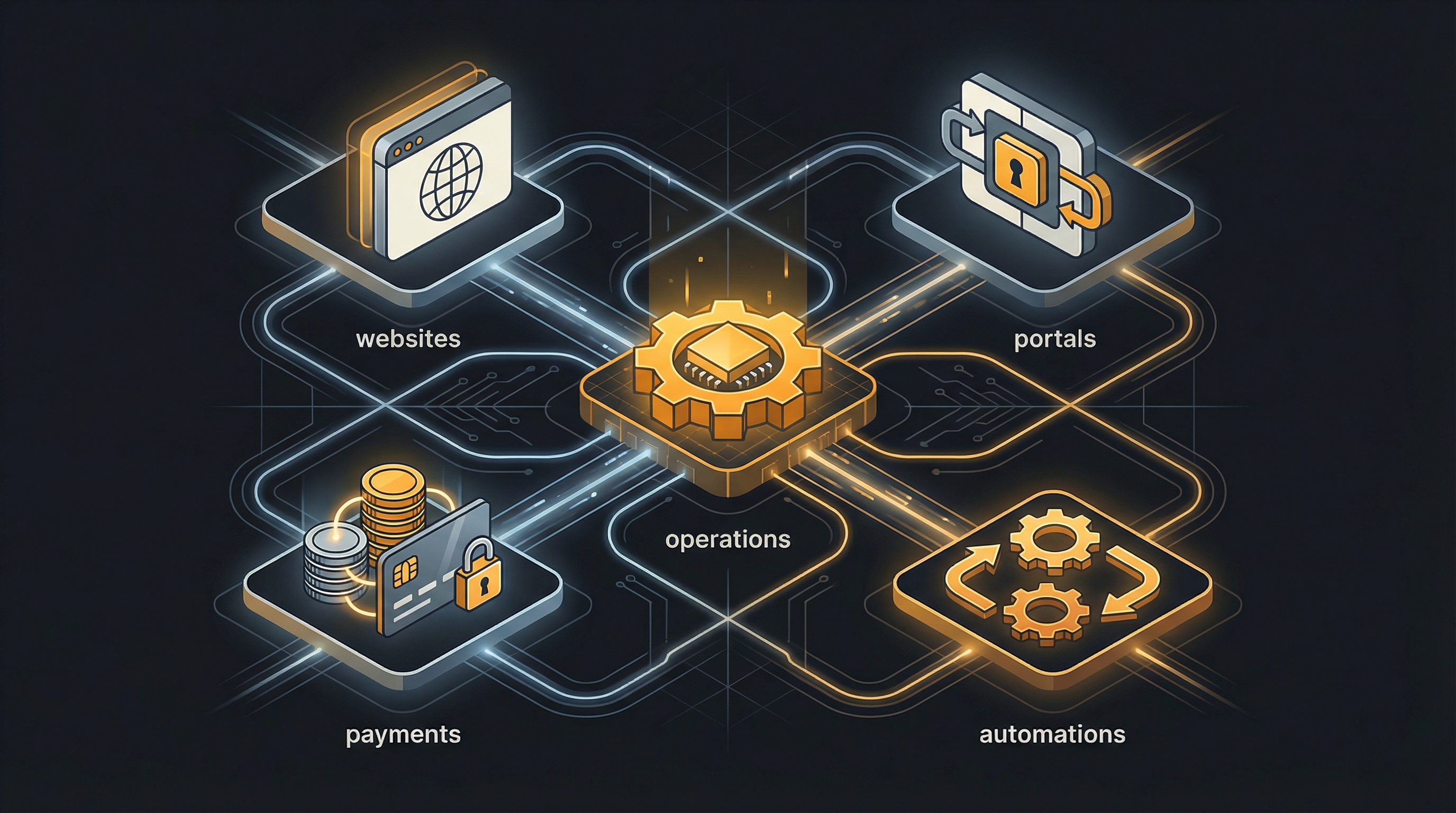
Operations projects often connect to websites, portals, payments, and automations as the business becomes more coordinated.