Client portals
Secure access for customers to view updates, documents, requests, schedules, or next steps.
Client portals and dashboards
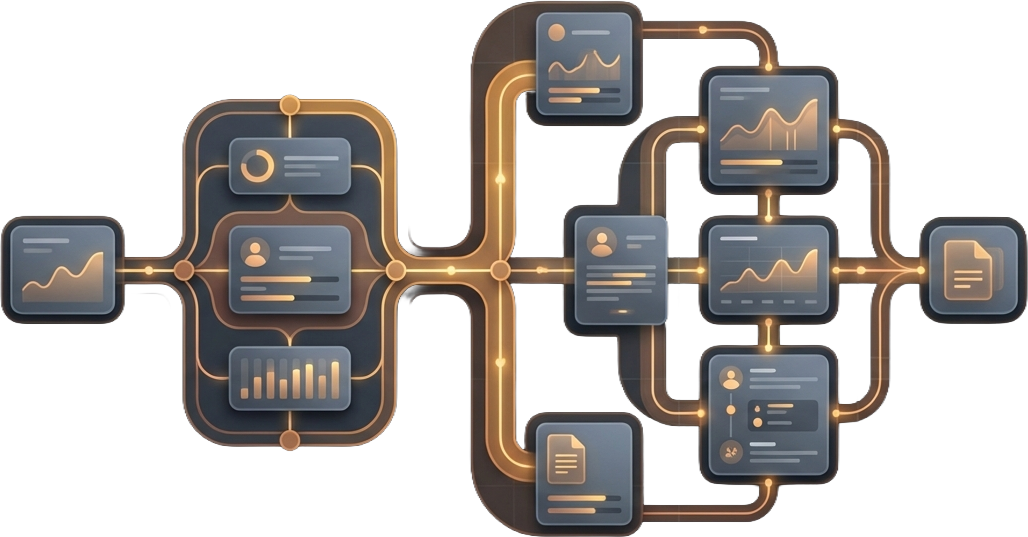
Give clients, members, guests, or internal teams a clearer place to access what they need without the back-and-forth.
Bitcraft builds secure portals, dashboards, check-in flows, status views, and internal interfaces that reduce confusion and make day-to-day work easier to manage.
Good fit
Portals and dashboards help when people need access to the same information repeatedly and the current process depends too heavily on manual updates, inbox threads, or scattered tools, especially as volume, complexity, or expectations increase.
Clients or staff keep asking for the same updates, documents, or status checks.
Important information lives across inboxes, spreadsheets, and disconnected tools.
Your team re-enters the same details in multiple places just to keep work moving.
You are growing and need a more polished, scalable experience for clients, members, or staff.
You want a clearer handoff between public website actions and logged-in workflows.
You need a more professional, branded experience for members, customers, or internal users.
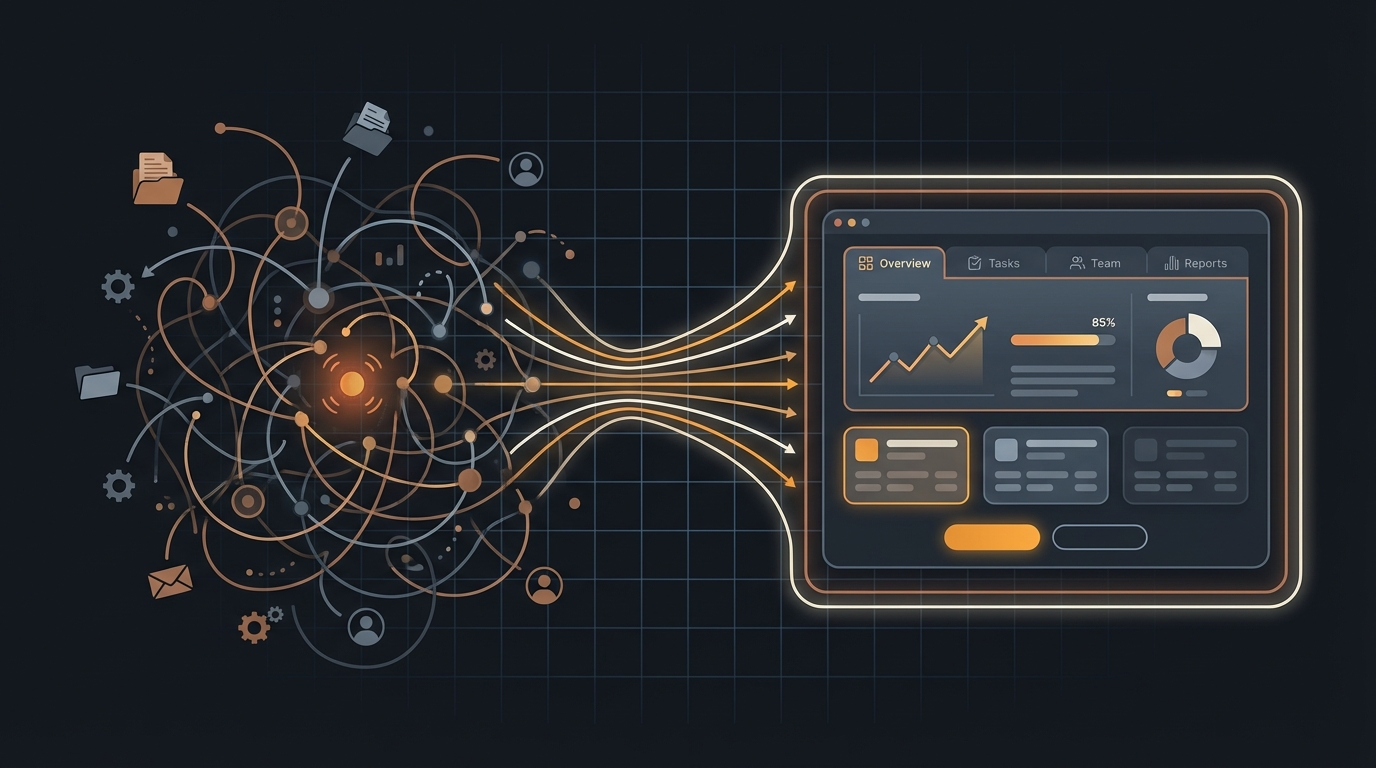
A good portal or dashboard gives people a clear place to go instead of forcing them to piece the process together on their own.
What we build
These projects can be customer-facing, staff-facing, or both. The right scope depends on who needs access, what they need to do, and what should get easier as the workflow grows.
Secure access for customers to view updates, documents, requests, schedules, or next steps.
Branded spaces for members, guests, donors, organizations, or partner groups.
Clear progress views that reduce repetitive check-ins and make work easier to track.
Help people submit the right information in a cleaner, more structured way.
Create smoother arrivals, sign-ins, and access management for physical or hybrid experiences.
Give your team better control over records, requests, updates, and day-to-day operations.
Common use cases
Give customers one place to check updates instead of relying on scattered email threads.
Let users access resources, activity, requests, or communications in a cleaner space.
Help staff manage appointments, statuses, submissions, or follow-up without jumping between tools.
Connect public pages with a deeper logged-in experience for the people who need more access.
Why custom
The real value often comes from matching the right access, actions, and information to the way your business already works and the next level you want to support instead of forcing a generic flow.
Clients, staff, members, and admins can each get the experience that fits their needs.
The interface can follow your process instead of making your team work around the software.
Updates, documents, statuses, and requests can live in one clearer system.
Portals and dashboards can tie into websites, scheduling, payments, or internal operations tools as the business grows.
Process
We identify who needs access, what they need to see, what they need to do, and what the next stage should support.
We organize the portal or dashboard around the tasks that matter most today while leaving room for future use.
We handle the interface, logic, and supporting systems needed for launch.
We can refine permissions, views, automations, and connected features as usage grows.
FAQ
Yes. Many projects include separate views or permissions for different kinds of users.
Yes. Public-facing pages and logged-in experiences often work best when they fit together.
Often, yes. That is one of the most common reasons businesses reach out for this type of project.
Yes. Portals and dashboards often become the foundation for broader workflow improvements.
Next step
Bring the workflow that feels messy today or the experience you know you will need as the business grows. We can help identify the right portal or dashboard shape and where related systems may fit around it.
Tell us who is involved, what they need to do, where things currently break down, or what the next stage needs to support.
We can help define the right portal, dashboard, or connected workflow scope.
If the project also needs a stronger public-facing site, see our custom website services.
Prefer email? Reach us at start@bitcraftstudios.com .
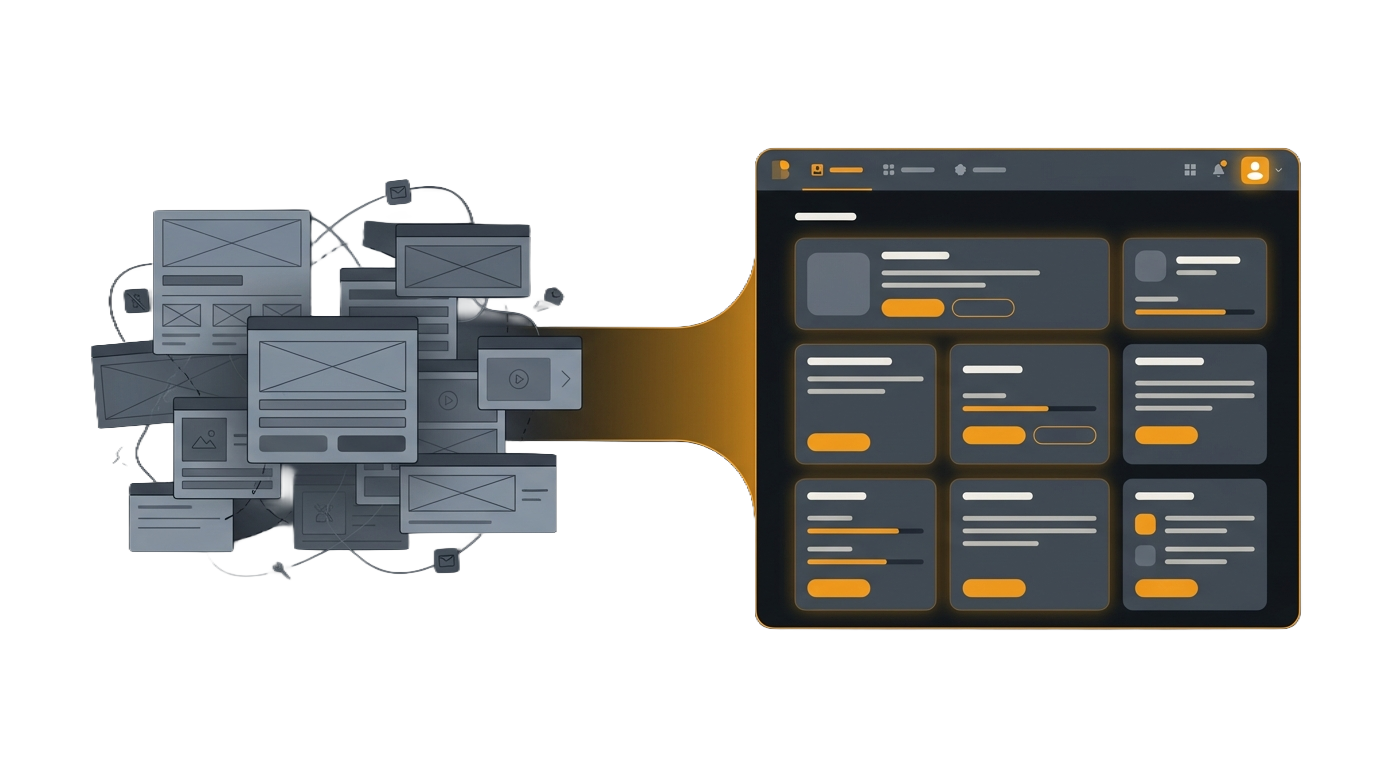
Many portal and dashboard projects connect back to the public site, intake flows, or other operational tools behind the scenes.