
Website assistants
Help people get answers, explore fit, and move toward the next step without digging through the site.
AI assistants and automation
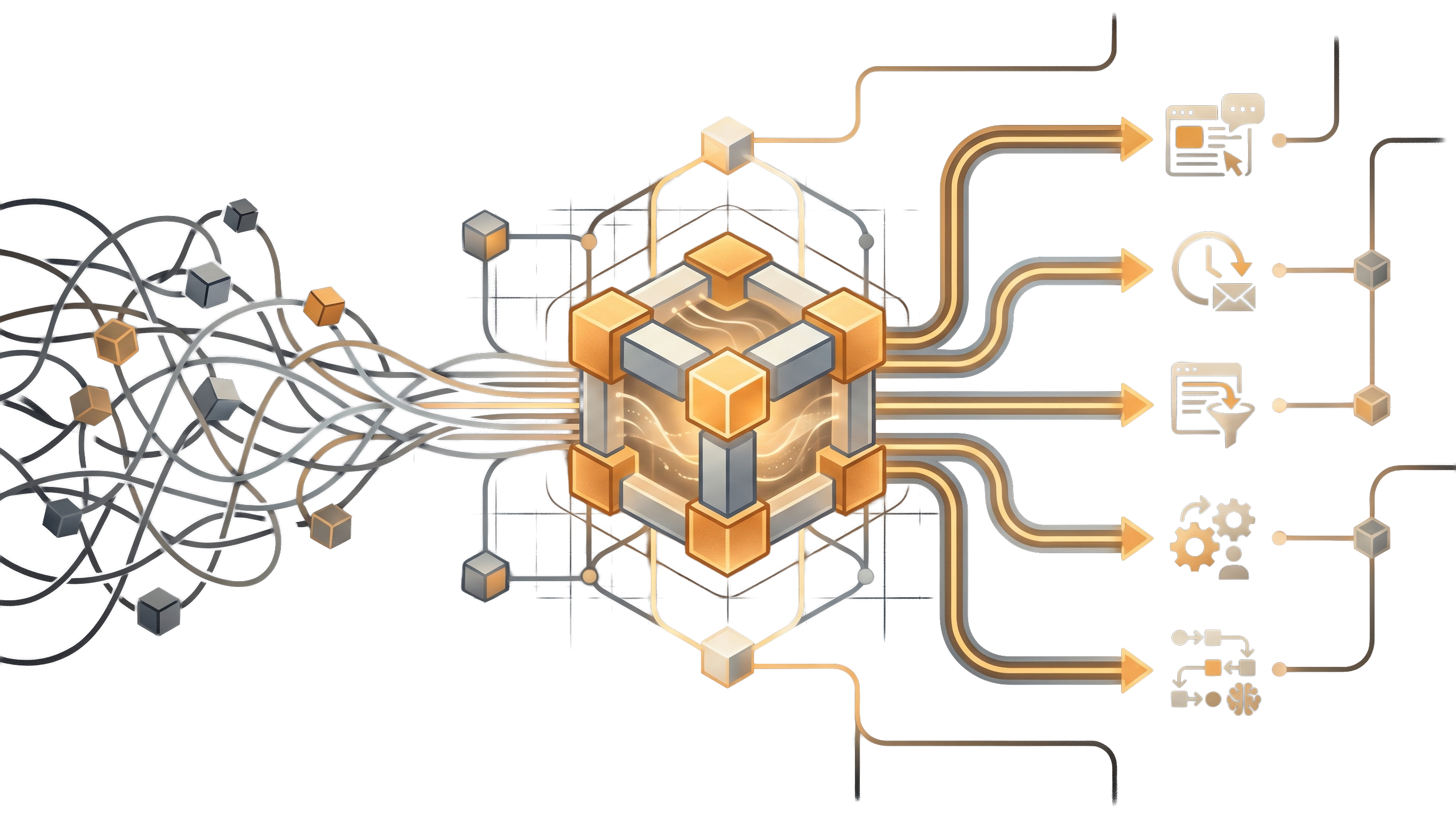
When repeated questions, slow follow-up, or manual routing keep piling up, practical AI and automation can help your team stay responsive without adding more busywork.
Bitcraft builds website assistants, follow-up automations, intake flows, internal helpers, and AI-assisted workflows grounded in your actual services and processes.
Good fit
AI assistants and automation help when the same questions, updates, or handoffs keep repeating and the team needs a more consistent way to respond as volume grows.
Your team answers the same questions over and over through chat, text, email, or forms.
Leads or inquiries wait too long before getting a useful first response.
Staff spend too much time routing requests, copying details, or sending routine updates.
You want better after-hours responsiveness without pretending a person is always live.
Demand is growing and the team needs leverage without losing clarity or tone.
You want AI grounded in your actual services and knowledge, not a generic bot experience.
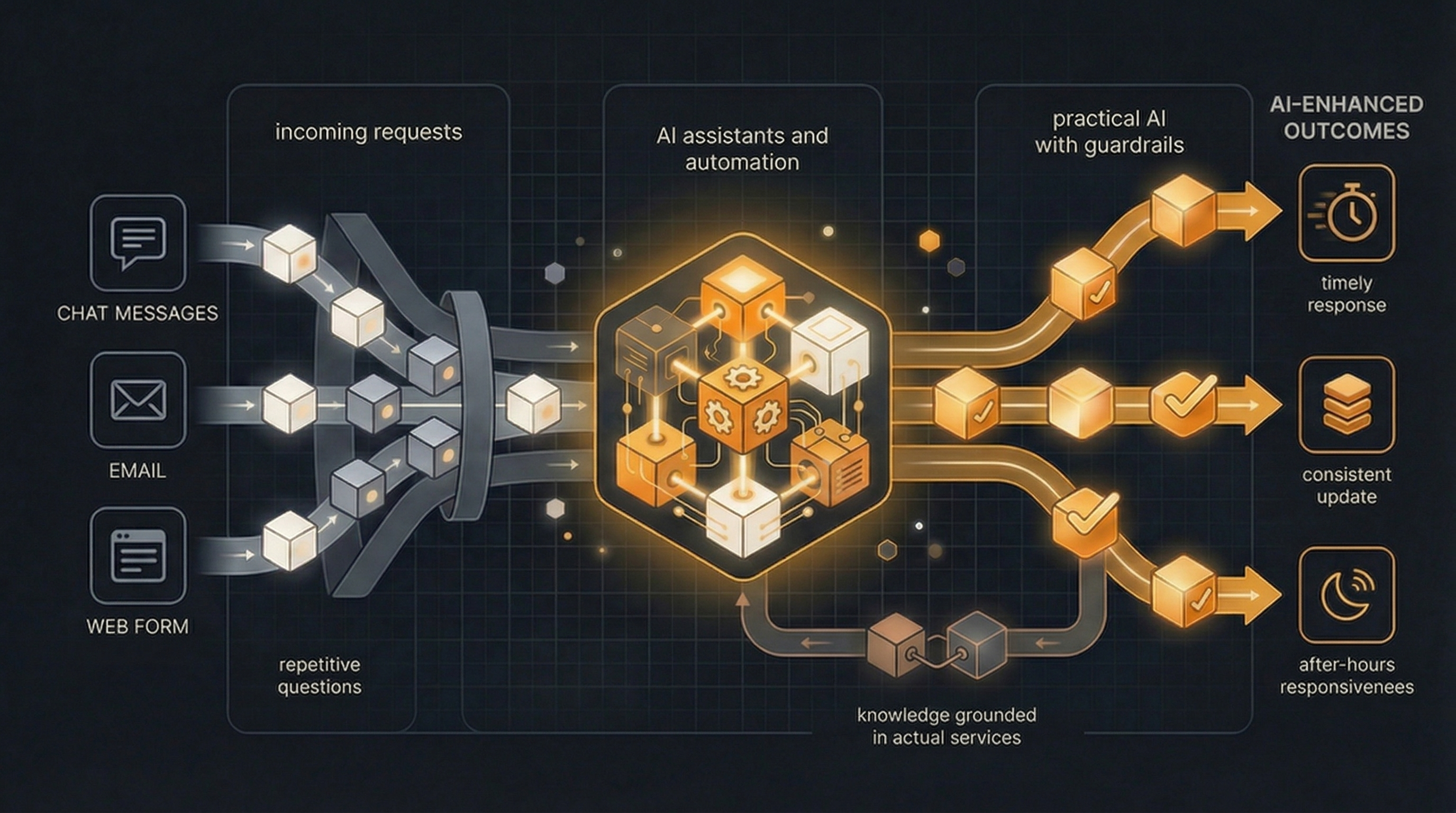
The goal is not to add AI for its own sake. It is to make routine work more helpful, more timely, and easier to handle.
What we build
These projects usually work best when AI is tied to a real job to be done, a clear source of information, and a defined next step for the person on the other end.
Help people get answers, explore fit, and move toward the next step without digging through the site.
Collect better information up front and move inquiries into the right workflow faster.
Keep leads, customers, or staff moving with cleaner nudges, confirmations, and updates.
Give staff a faster way to surface the right information, next steps, or routine answers.
Connect forms, requests, notifications, and operational steps so less gets handled manually.
Shape tone, scope, and escalation rules so the system stays helpful and on-brand.
Common use cases
Help people get answers and hand off the right details when they are ready to reach out.
Keep prospects and customers moving with cleaner confirmations, reminders, or next steps.
Give your team a faster way to handle routine questions, summaries, or status lookups.
Move requests from intake to scheduling, payments, or internal action without as much manual routing.
Why custom
The strongest setups usually match your services, your tone, your real workflows, and the moments where a faster or more helpful response actually matters.
Answers, follow-up, and automation can reflect the real way your business operates.
AI works better when it knows what to handle, what not to handle, and when to hand off.
The value goes up when automation ties into intake, scheduling, payments, or internal operations.
You do not need to automate everything at once to create meaningful leverage.
Process
We look for the questions, follow-up, or handoffs that happen often enough to deserve a better system.
Together, we decide where AI or automation can help in a way that stays useful and realistic.
We define tone, scope, escalation paths, and how the workflow should connect to the rest of the business.
We improve the prompts, rules, and connected steps as your team learns what helps most.
FAQ
No. It can include chat, but it can also cover intake, routing, follow-up, reminders, and internal workflows.
Yes. Many AI and automation projects work best when they connect to the systems you already use.
No. The goal is usually to reduce repetitive work and make human time more useful.
Yes. Starting with one high-value workflow is often the smartest way to prove value and learn what to expand.
Next step
Start with the questions, follow-up, or workflow steps that happen often enough to deserve a cleaner system.
Tell us what gets asked repeatedly, what follow-up is too manual, or where your team keeps losing time.
We can help define the right AI or automation scope and keep it grounded in the real workflow.
If the work also needs stronger process design underneath it, see our operations tools service.
Prefer email? Reach us at start@bitcraftstudios.com .
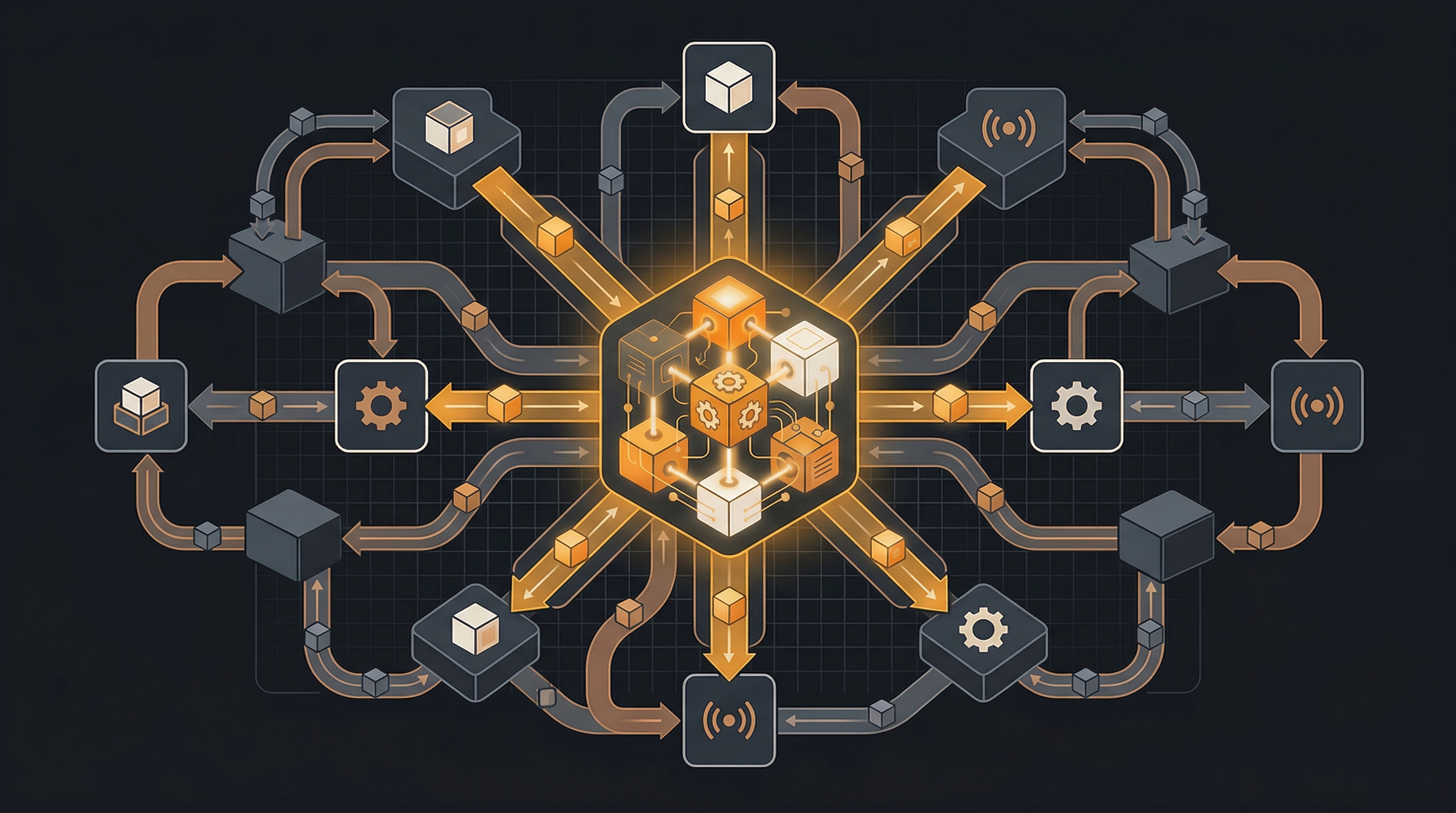
AI and automation work best when they plug into a clear operating system instead of sitting off to the side as a disconnected extra.